
Architecture decisions, checked against Azure.
The ADR Register keeps each Azure architecture decision on the record, checks your resources against it on a schedule, and shows where the estate has drifted, so governance keeps working after the review meeting ends.
How it works
One record per decision
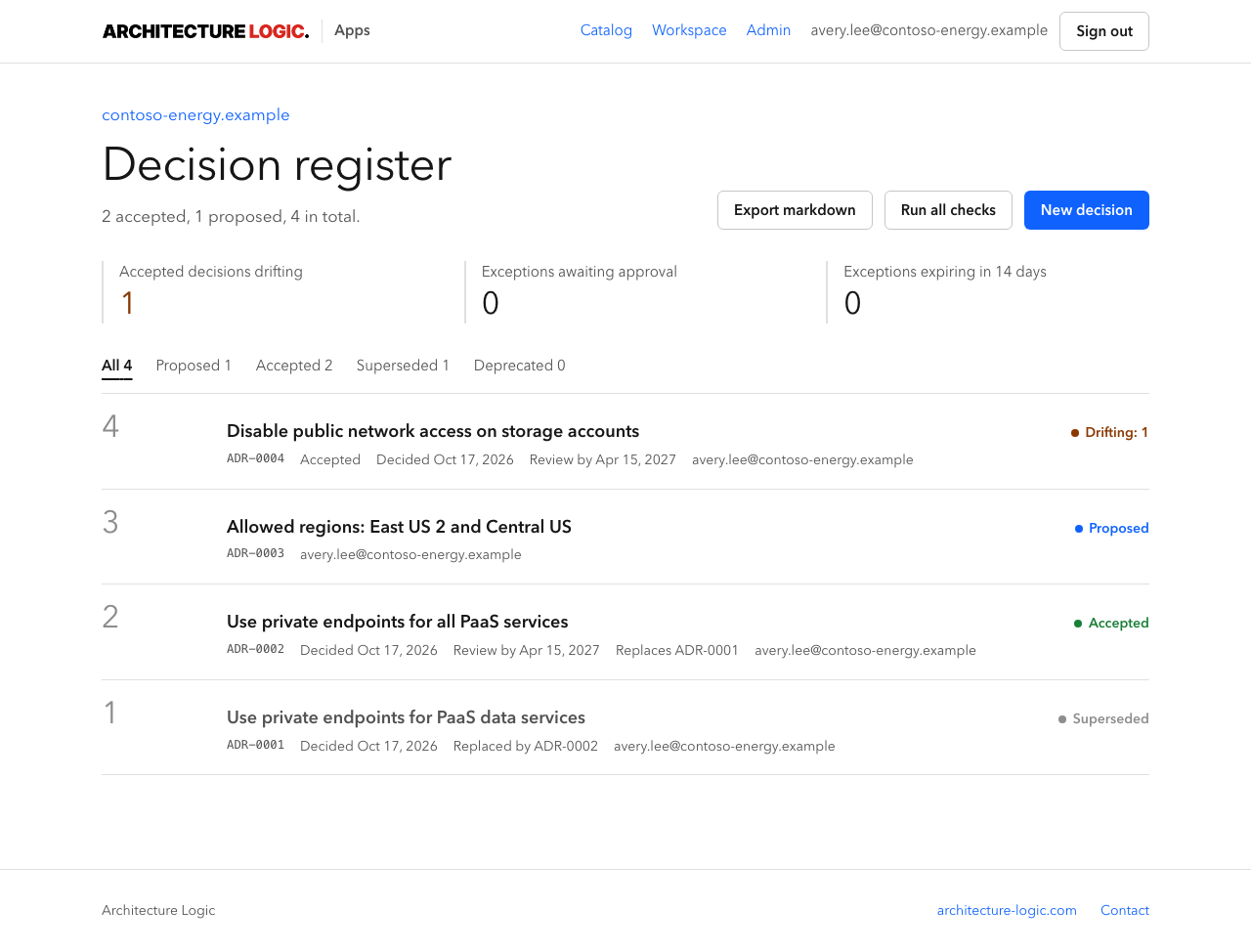
Context, options, decision, consequences, and sources, with a lifecycle from proposed to accepted, superseded, or deprecated. Review dates keep accepted decisions from going stale.
Checked against Azure
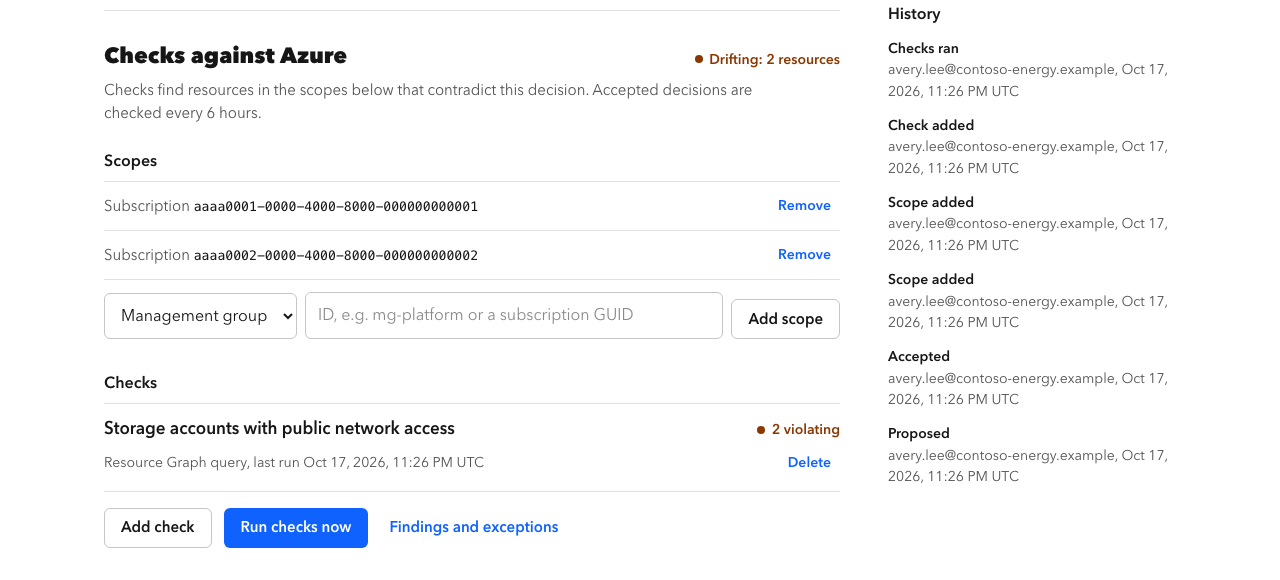
Each decision gets scopes and checks: an Azure Resource Graph query or an Azure Policy assignment. Accepted decisions are checked every six hours, or on demand, with read-only access.
Drift you can act on
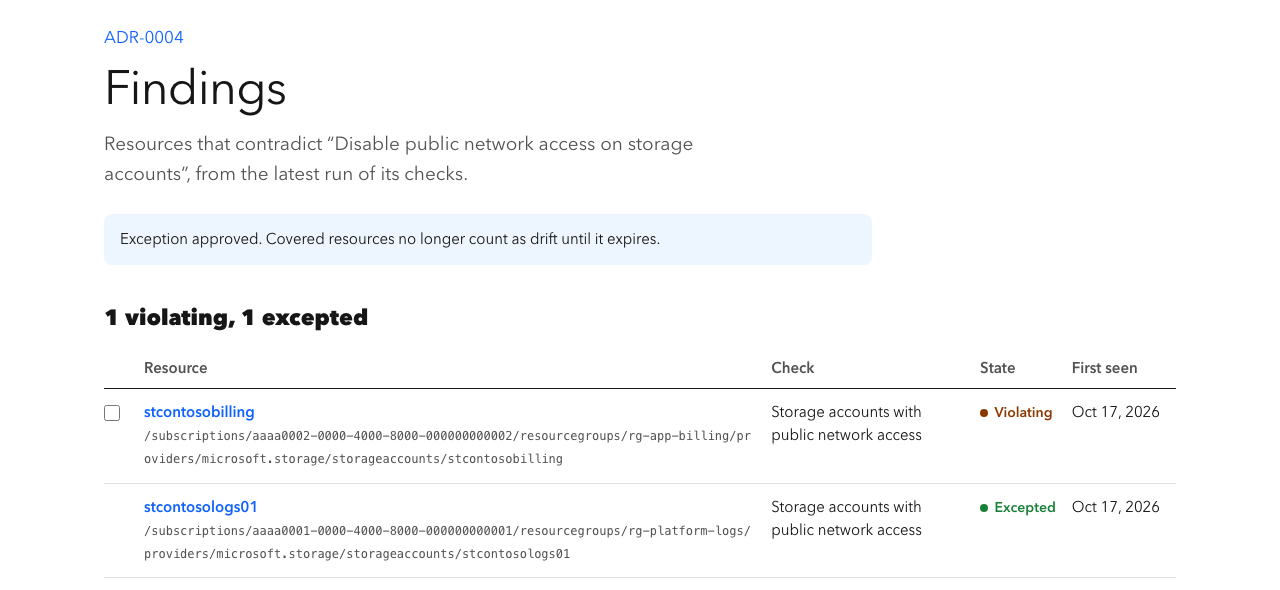
Resources that contradict a decision appear as findings. Approved exceptions cover them until they expire, at most 365 days, and need someone other than the requester to approve them where the workspace has another approver.
What it looks like
Screenshots use fictional demonstration data from a sample tenant, not a client estate.
Where it fits
- Architecture Governance: standards recorded as decisions and checked every six hours.
- Architecture Office: every decision made with your team stays on the record.
- From bid to production: decisions made while shaping a bid carry into delivery after award.
Access and data
- Checks use the Reader role assigned to the Architecture Logic Apps application; it has no write access to your tenant.
- Each organization gets its own workspace, isolated from every other workspace.
- Every decision exports as markdown, so the record stays yours.
- Beta: access is granted on request after sign-in with your work account.